Proof Patterns Without Unsupported Claims

Public-safe examples of how messy forms, spreadsheets, reports, follow-up, phone workflows, and owner visibility problems can become cleaner systems.

These summaries avoid client names, private lead data, revenue claims, savings claims, rankings, timelines, ratings, and fake testimonials. The goal is to show how the work is approached without exposing private business details.

These are practical examples of the kind of work AI Business Services handles: cleaner spreadsheets, less retyping, automatic follow-up, better status visibility, phone workflows, and systems that make daily operations easier to review.

What we do

Start with one workflow, form, spreadsheet, report, or repeated admin task.

Use Google Workspace, Microsoft 365, spreadsheets, and existing tools where they fit.

Keep human review in sensitive steps like approvals, pricing, payments, and customer decisions.

Grow into a portal, dashboard, phone workflow, or custom app only when the workflow needs it.

What we do not do

We do not publish fake testimonials, fake client names, fake metrics, or unsupported case studies.

We do not promise guaranteed savings, revenue, rankings, or implementation timelines.

We do not turn on customer-facing AI responses without explicit approval and human-reviewed rules.

We do not recommend replacing everything when one practical fix can solve the first bottleneck.

Public-safe work log categories

Recent business automation, internal AI support, and workflow repair patterns.

These entries group the type of problem, tools involved, and operational change. They are not testimonials, client claims, or guaranteed outcomes.

Date
Problem type
Tool used
Outcome
2026 private log
Spreadsheet repair
Google Sheets, Excel
Cleaned formulas, protected key fields, and improved owner review.
2026 private log
Intake workflow
Forms, email, Sheets
Turned new requests into cleaner records with confirmation and alerts.
2026 private log
Follow-up automation
Email, SMS, calendar
Created reminders and next actions for stalled leads and callbacks.
2026 private log
Google Workspace automation
Gmail, Sheets, Drive, Apps Script
Reduced copy-paste admin across forms, files, and owner updates.
2026 private log
Microsoft 365 workflow
Excel, Outlook, Teams, Power Automate
Mapped approvals, reminders, and report handoffs inside Microsoft tools.
2026 private log
Internal AI support
Internal summaries, intake organization, draft notes
Used AI to help organize notes, requests, and drafts for human review.
2026 private log
Dashboard build
Next.js, Firebase, reporting views
Created owner visibility for open, blocked, and ready-for-review work.
2026 private log
Custom workflow app
Next.js, Firebase, API routes
Moved a spreadsheet-heavy process into a controlled workflow system.

Anonymized proof patterns.

Filter by the workflow problem you care about most. These examples keep client names and private details out of the public page.

Spreadsheet fixes

Google Sheets and Excel cleanup

2026 private work log

Problem

A business-critical spreadsheet had broken formulas, unclear status colors, duplicate entries, and no safe review process.

Tools

Google Sheets, Excel, formulas, validation rules

Outcome

Cleaned the structure, protected key formulas, clarified statuses, and made the sheet easier for the owner to review without accidental edits.

Google/Microsoft automation

Google Workspace automation

2026 private work log

Problem

Form submissions and client details had to be copied into emails, Sheets, folders, and calendar reminders by hand.

Tools

Google Forms, Google Sheets, Gmail, Calendar, Drive, Apps Script

Outcome

Created a cleaner form-to-record workflow with confirmation messages, owner alerts, folder handoff, and next-step tracking.

Google/Microsoft automation

Microsoft 365 and Power Automate workflow

2026 private work log

Problem

Excel, Outlook, Forms, and Teams were being used separately, so approvals and reminders depended on manual follow-up.

Tools

Excel, Outlook, Microsoft Forms, Teams, SharePoint, Power Automate

Outcome

Mapped the handoff, clarified the source record, and created a path for reminders, routing, and review steps inside Microsoft 365.

Intake systems

Client intake automation

2026 private work log

Problem

New requests arrived through forms, calls, texts, and email with no single place to see what had been captured or what was missing.

Tools

Website forms, email, Sheets, SMS, calendar handoff

Outcome

Built a cleaner intake path with required fields, confirmations, owner alerts, and a handoff record the team could trust.

Follow-up automation

Follow-up and reminder automation

2026 private work log

Problem

Leads, callbacks, document requests, and customer updates stalled because follow-up depended on memory and inbox searches.

Tools

Email, SMS, calendar reminders, shared task tracking

Outcome

Turned repeated follow-up steps into reminders, callback tasks, and visible next actions so fewer requests disappeared.

Custom apps

Custom app and dashboard build

2026 private work log

Problem

The process had outgrown spreadsheets and needed roles, records, dashboards, approval steps, and owner visibility.

Tools

Next.js, Firebase, Supabase, dashboards, API routes, role-based views

Outcome

Built a private workflow system with dashboards, review queues, records, permissions, and a clearer path from intake to final handoff.

Implementation snapshots.

Public-safe summaries of the kind of workflow work behind the proof patterns, without publishing client names, private data, or performance claims.

Private operations portal

Before

Field reports, subcontractor paperwork, proposal review, and payout decisions were spread across separate manual steps.

Built

Built a controlled portal with owner dashboards, daily reporting, onboarding records, compliance review, payout candidates, and review holds.

Outcome

The owner can see what is submitted, what is missing, what is blocked, and what is ready for review before money moves.

Vet intake and package workflow

Before

Package requests, vet-specific links, client forms, payment readiness, and operations emails needed a cleaner handoff.

Built

Built a branded vet portal and multi-step intake flow with draft recovery, case records, payment readiness, and manual fallback controls.

Outcome

The business can manage intake without losing client information when mobile users get interrupted or staff need to finish the handoff.

Shared phone and messaging workspace

Before

Calls, texts, missed calls, and voicemail could disappear on one phone instead of becoming a team-visible follow-up queue.

Built

Built the foundation for shared business lines with users, line permissions, call history, SMS threads, voicemail metadata, and callback actions.

Outcome

The phone system becomes an operational workspace instead of a single-device inbox with no owner visibility.

Examples of systems we have built.

These are public-safe summaries of real application work: private portals, vet intake systems, pet recovery workflows, phone and SMS tools, dashboards, and operations automations. They show capability, not a promise that every business needs this scale of build.

Operations portal

Private construction finance portal

A private Next.js portal for payroll reporting, subcontractor onboarding, compliance review, proposal control, and payout tracking.

Authenticated owner and client dashboard

Daily payroll and work-report submission

Subcontractor onboarding with document uploads

Compliance review and hold reporting

Proposal budget tracking and payout candidate review

Firebase persistence and Google Apps Script handoff

Operational result

Moved field reports, subcontractor paperwork, payout review, and owner visibility into one controlled workflow.

Service workflow system

Vet portal and package intake system

A vet-facing portal and client intake system for package pricing, branded forms, case tracking, payment readiness, and operations handoff.

Firebase Auth vet login

Vet-specific branding, pricing, and client links

Multi-step package intake forms

Draft recovery for interrupted mobile forms

PDF, email, SMS, and calendar workflow handoff

Optional crematory sync with manual fallback controls

Operational result

Turned package intake, vet updates, pricing, case records, and operations emails into a repeatable digital workflow.

QR, NFC, and recovery app

PTID pet recovery platform

A Supabase-backed pet recovery platform with owner dashboards, public tag lookup, scan events, privacy controls, and optional masked SMS coordination.

Owner account dashboard and pet records

QR/NFC public lookup route

Safe public response fields

Active recovery events and location pings

Privacy-state controls and cleanup routines

Twilio masked SMS recovery scaffolding

Operational result

Connected physical tags to a privacy-aware recovery workflow that can alert owners and coordinate finder communication.

Voice, SMS, and team inbox

Shared business phone and messaging app

A mobile business communications app built on Twilio, Firebase, and Cloud Run for shared phone lines, calls, messages, voicemail, and team follow-up.

Multi-line workspace model

Firebase-backed users and line permissions

Incoming and outgoing call support

Shared call history and missed-call ownership

Shared SMS threads and outbound messages

Voicemail metadata, transcripts, and callback actions

Operational result

Turned business phone numbers into a team workspace where calls, texts, missed calls, and voicemail can be tracked instead of disappearing on one phone.

1

Before

A messy, color-coded spreadsheet where formulas constantly break and calculations fail.

After

A cleaner tracking sheet with protected formulas, clearer statuses, and review-friendly reporting.

2

Before

A client fills out a website form, and staff members have to manually email back and type their data into a sheet.

After

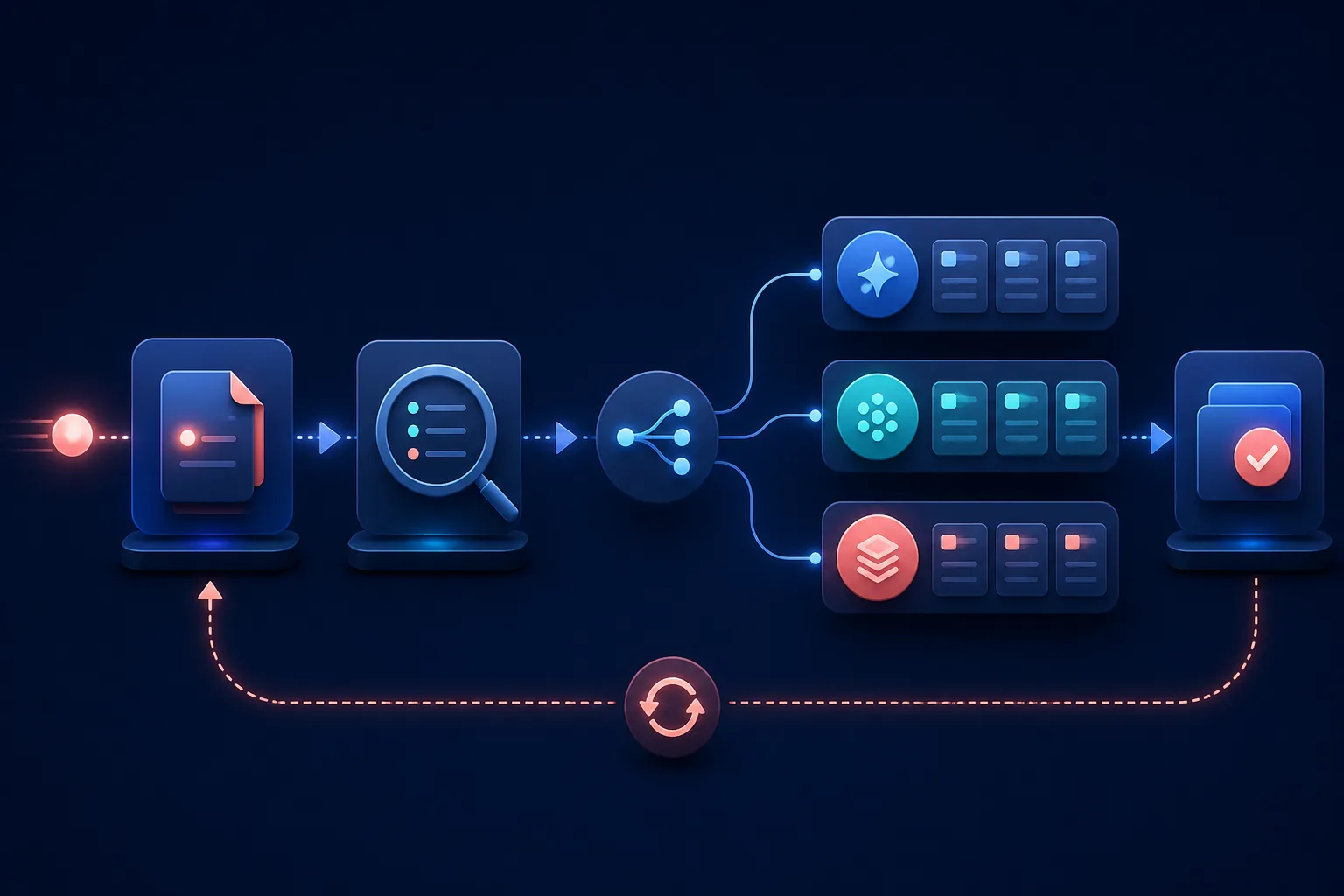
The form can create one source record, send a basic confirmation, and alert the owner or team.

3

Before

The business owner constantly texts and calls field teams to ask for job updates.

After

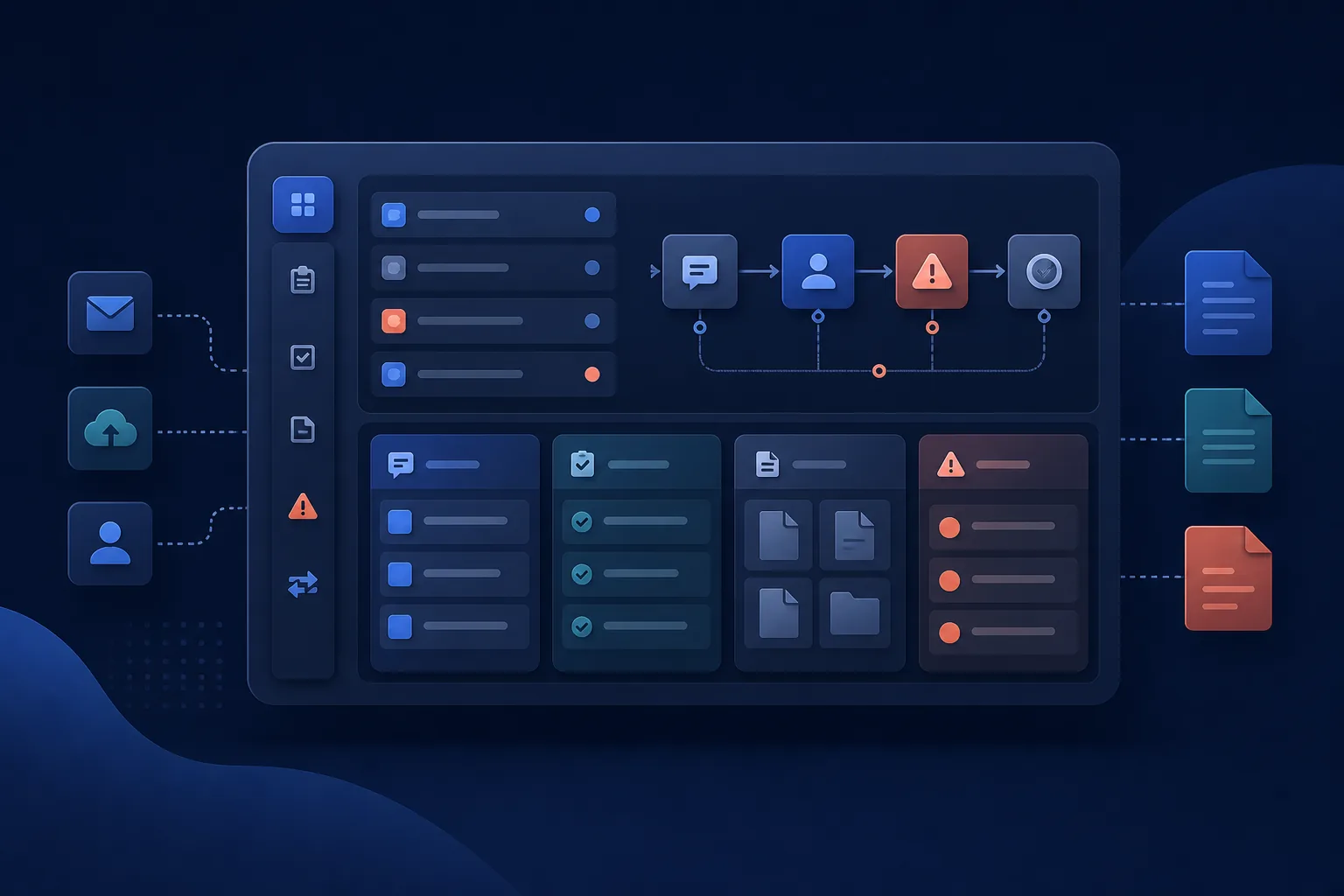
A simple dashboard can show what is open, blocked, overdue, or ready for owner review.

The goal is not more software. The goal is less manual cleanup.

Start with the smallest useful fix, keep people in review where judgment matters, and add automation only where the workflow is ready.

Fix what breaks

Automate what repeats

Build what outgrows spreadsheets

Get a Free Automation ReviewSee Services

Most projects start with one broken workflow, spreadsheet, form, or follow-up process.