
Too many manual steps
Before
Information gets copied between forms, spreadsheets, inboxes, and calendars.
Better
One reliable record can start the next step and alert the right person.
Practical AI, automation, and operations help
Fix broken tools, organize messy workflows, automate repeat work, and build practical internal systems without starting with more software than the business needs.
Start with one form, spreadsheet, report, workflow, or repeated office task that is taking too much attention.

The first improvement is often one clearer path through work the team already does.
Before
Information gets copied between forms, spreadsheets, inboxes, and calendars.
Better
One reliable record can start the next step and alert the right person.
Before
Updates, reminders, files, and reports depend on someone remembering every handoff.
Better
Connected tools can move routine information while people keep review control.
Before
Owners find out late that work is missing, blocked, overdue, or waiting for approval.
Better
A clear workflow shows what is open, who owns it, and what needs attention.
Four starting paths
Fix a broken spreadsheet, formula, form, script, automation, or report before replacing it.
See repair optionsReduce copying, reminders, routine follow-up, file organization, and recurring reports.
See automation helpCreate a clearer path for intake, approvals, status updates, owner review, and handoffs.
See workflow helpPlan a focused dashboard, portal, or internal app when simpler tools are no longer enough.
Compare system optionsExplore a specific workflow
Selected illustrative work
These concepts show workflow structure. Public-safe project summaries are available on the Our Work page.
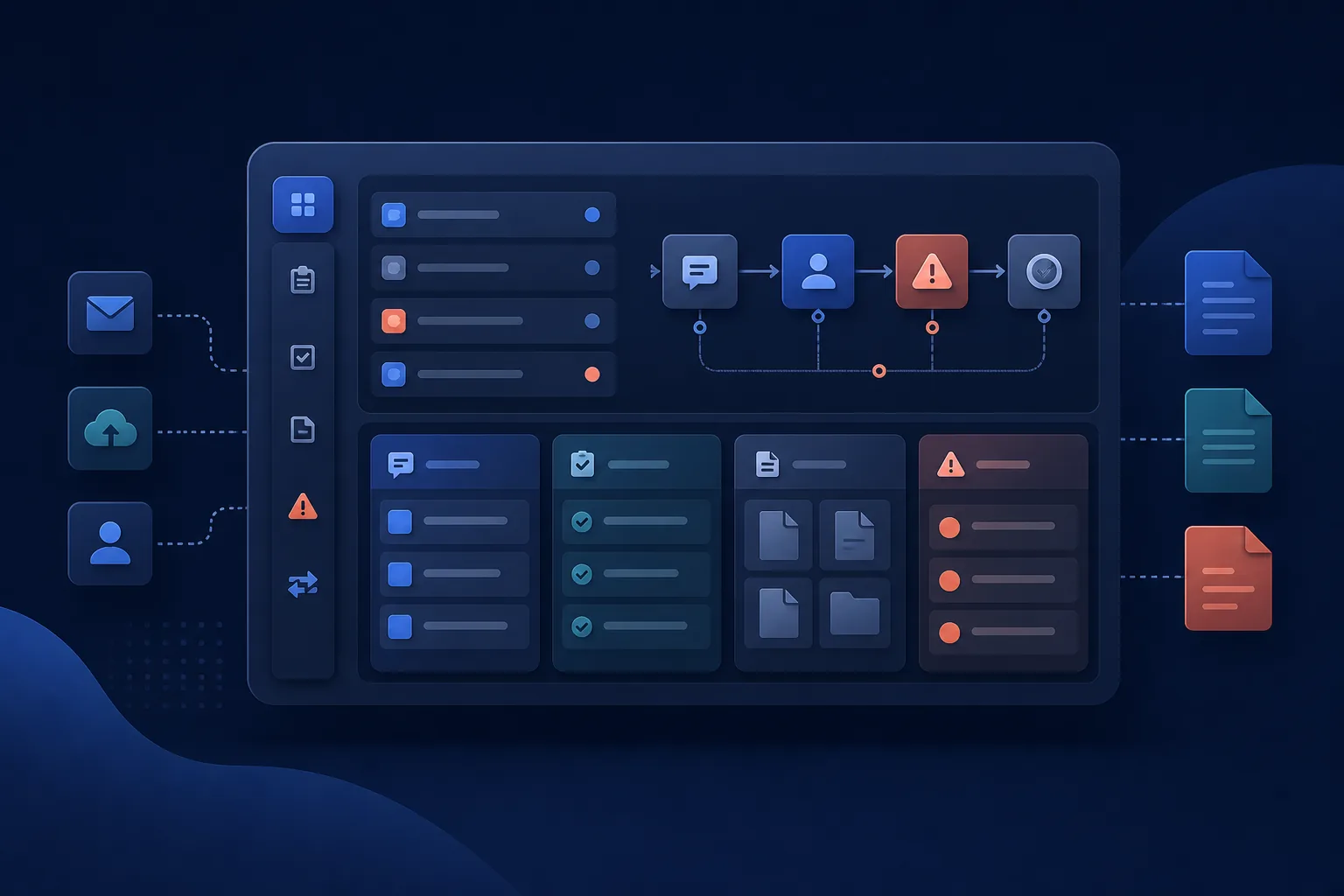
Operations visibility
A private operations portal can replace scattered field reports, onboarding records, holds, and manual status chasing with a clearer review path.
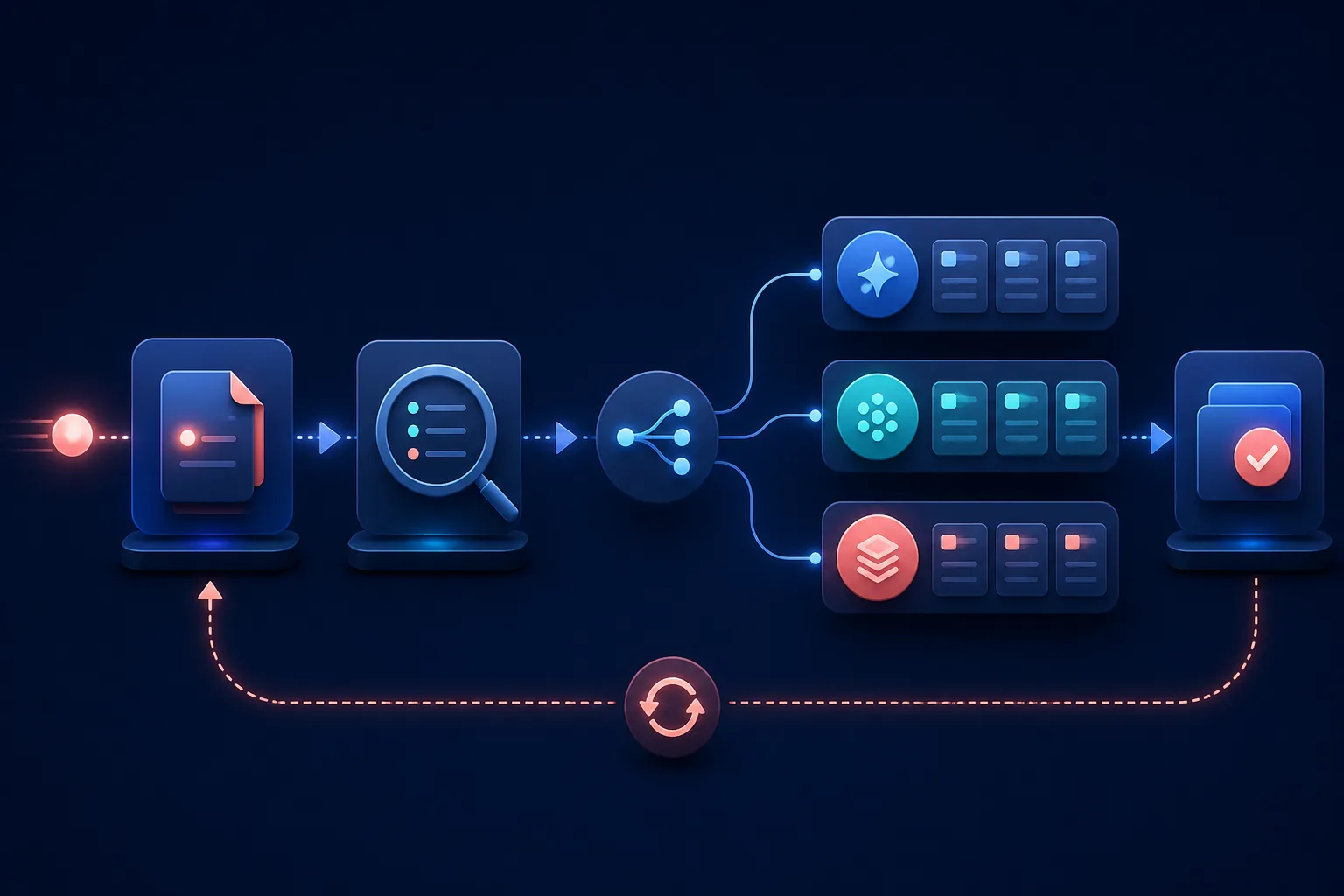
Intake and service handoff
A guided intake workflow can keep required information together, preserve interrupted drafts, and make the next staff action visible.

Shared communication
A shared workspace can organize communication history, assignment, and callbacks so the team is not depending on one device or inbox.
A simple process
01
Map the bottleneck, current tools, missing information, and decisions that need human review.
02
Repair, connect, organize, or automate before recommending a larger software build.
03
Test the workflow, keep owners in control, and make the handoff understandable to the team.
Pricing preview
These are starting points. The pricing page explains what each level is designed for.
See full pricing detailsFrom $99
One formula, form, sheet, script, or automation issue
From $299
One repetitive task or handoff
From $1,000
A process across people, tools, approvals, or reports
Custom quote
A larger internal system after simpler tools are outgrown
Trust by design
Automation should make the work clearer before it makes the system bigger.
About the working principlesStart with one workflow, form, spreadsheet, report, or repeated admin task.
Use existing Google Workspace, Microsoft 365, spreadsheet, form, and reporting tools when they fit.
Keep human review in sensitive approvals, pricing, payments, and customer messages.
Do not publish fake proof, unsupported guarantees, private data, or unapproved client details.
Common first questions
Start with a repeated task that wastes time or causes mistakes, such as follow-up, form-to-sheet entry, reminders, weekly reports, or file organization.
Usually not at the beginning. A custom tool makes sense only when workflow cleanup, forms, reports, and smaller automations are no longer enough.
AI can support summaries, routing, intake organization, draft notes, and visibility while people continue to review important decisions and customer-facing work.
Tell us what is broken, slow, repetitive, or difficult to see. We will help identify the smallest useful next step.